
>MCP Profiles: The Layer Between User and Repo Config
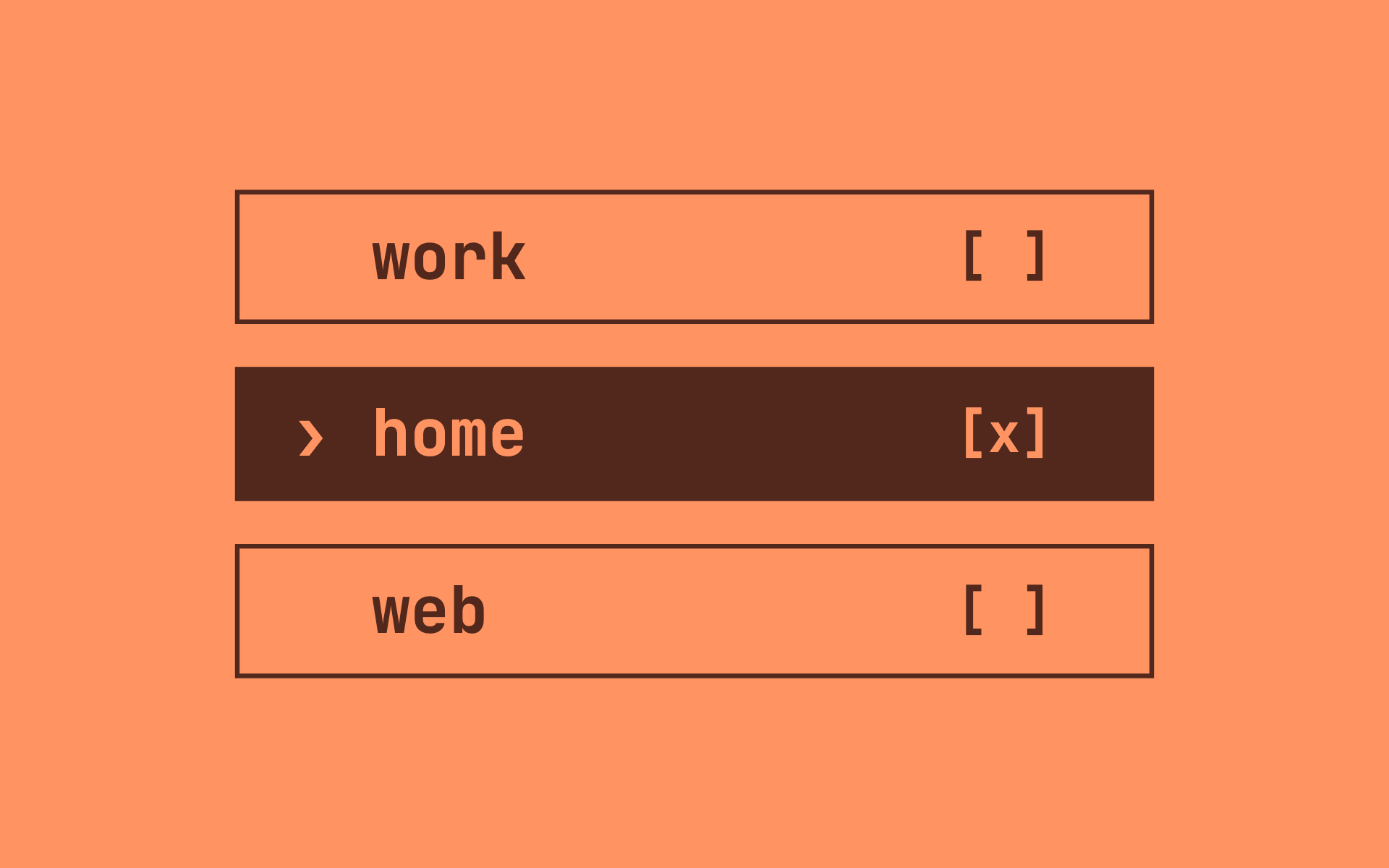
I want Linear mcp available in my personal projects and Jira mcp in my work repos. MCP config for all agent harnesses today gives you two levels. User level means every server everywhere: my agent offers Jira in my hobby repo and my personal Linear board at work. Repo level means editing a config in every single repository, and I have dozens. What I actually want sits in between: a set of profiles - work, personal (and any other in the future). And a rule that picks one when the session starts.
Besides this exposure-vs-maintenance problem, I would love to mitigate one more - Tokens. MCP tool definitions are expensive. Playwright MCP alone is 21 tools, about 13.7k tokens. People have measured 30–50k tokens burned on tool definitions before the conversation starts.
Enabling and disabling MCPs per app, per wrapper, per repo, by hand, was the actual daily pain. So: profiles.
Profiles are just files
A profile is a plain JSON file with an mcpServers block. Mine live in one folder:
~/.claude/mcp-profiles/
├── work.json        # Jira/Atlassian, internal search
├── personal.json    # Linear, Things, TTS
└── web.json         # Playwright — opt-in only
// personal.json
{
  "mcpServers": {
    "linear": { "type": "http", "url": "https://mcp.linear.app/mcp" }
  }
}
// work.json
{
  "mcpServers": {
    "atlassian": { "type": "sse", "url": "https://mcp.atlassian.com/v1/sse" }
  }
}
Claude Code already has a --mcp-config <file> flag that merges those servers into the session. Keeping your user level and repo level mcps as well.
The routing rule
The next question was how to decide what profile to pick. I stopped with two signals, and they compose if you need it:
- Git remote — the remote URL encodes which org owns the code. It survives moving directories.
- Path prefix — everything under
~/developmentis work, everything under~/Desktop/is personal. It works even outside git repos.
A shell function wraps the agent CLI and applies both, remote winning over path:
# ~/.zshrc
claude() {
  local profile="personal"
  case "$PWD/" in
    "$HOME/development/"*) profile="work" ;;
  esac
  local remote; remote=$(git remote get-url origin 2>/dev/null)
  [[ "$remote" == *"<work-org>"* ]] && profile="work"
  command claude --mcp-config "$HOME/.claude/mcp-profiles/$profile.json" "$@"
}
cd into a work repo, type claude, Jira is there. cd into a personal project, Linear is there. Neither ever sees the other.
Some servers stay opt-in
I decided that Playwright would never go in any default profile. A browser-automation server loaded everywhere is a lot of trust to hand out by default. Apart from token cost, any background agent we forgot about will be able to drive a browser. Not a very secure thing. Instead it gets its own entry point:
claude-web() {
  claude --mcp-config "$HOME/.claude/mcp-profiles/web.json" "$@"
}
--mcp-config stacks: because claude-web goes through the claude() function, the session gets web tools plus the routed profile plus your user-level servers. For me having web automations is usually an adhoc task. You can compose it differently if needed. I just wanted to show here some patterns. Also, if you want a profile to be exclusive instead of additive, that's --strict-mcp-config flag.
More MCP management tools, and why this is different
There are good tools near this space: mcp-switch toggles servers mid-session via the disabled flag, MCPM is a package manager with tagging, MetaMCP aggregates servers behind a gateway. They manage servers, but do not help with server routing. Which servers should exist at session start is a routing decision, which we can do in about twenty lines of shell, and if you want mid-session toggling too, mcp-switch stacks on top of this as an extra layer.
Steal it
I deliberately didn't package this as a tool. It's a gist: profile files and the routing function.
Send the gist to your agent and say: "Here's my current MCP setup - analyze which servers I use where, and split them into profiles like this." The agent knows your configs better than any installer script ever will.
→ gist.github.com/EugeneTrapeznikov/ddfa5decf0bde4b437866d188074ef8a